Profiles
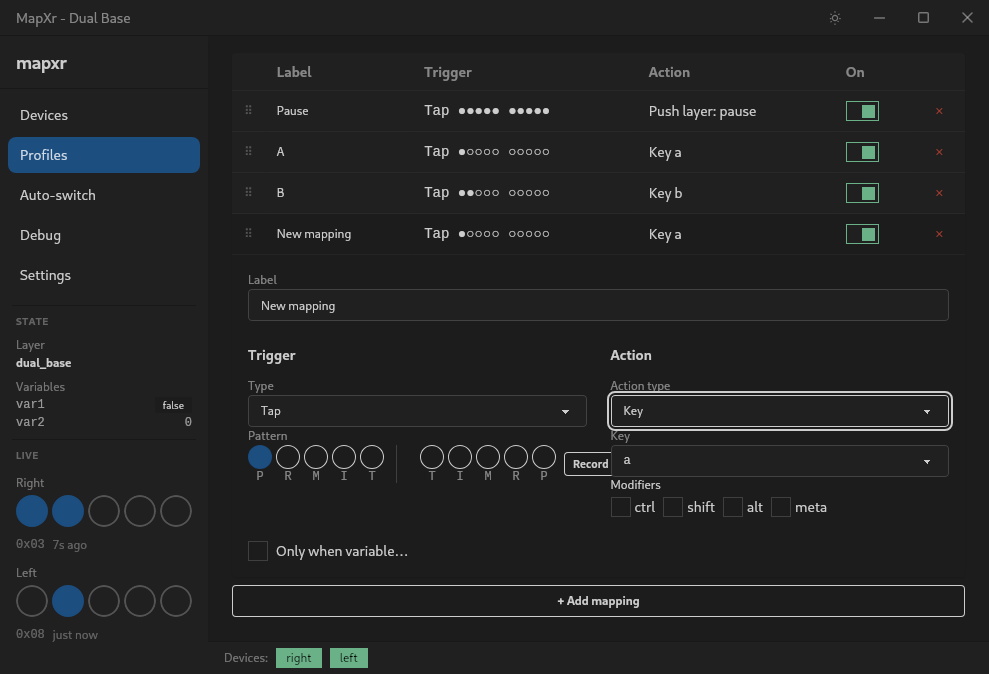
A profile is a map of TAP Strap finger combinations to actions.
Creating a Profile
- Click the
+New button in the top right corner of the Profiles
tab 
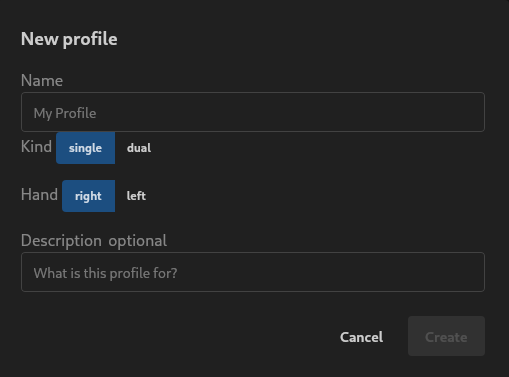
- You will be prompted to enter a profile name and select if it is a single
handed profile or a dual profile for two Tap devices.
If single you can select which hand the profile is for.
- Once the profile is created you can configure the profile mappings,
settings, aliases, variables and lifecycle events.

See Actions for the full list
of mapping options.